Save
Tap Share. It's saved.
Share a post or page to Cooky, and it pulls out the ingredients and steps for you. You can also just paste the link.

Save it from anywhere. Plan it for the week. Cook it tonight.
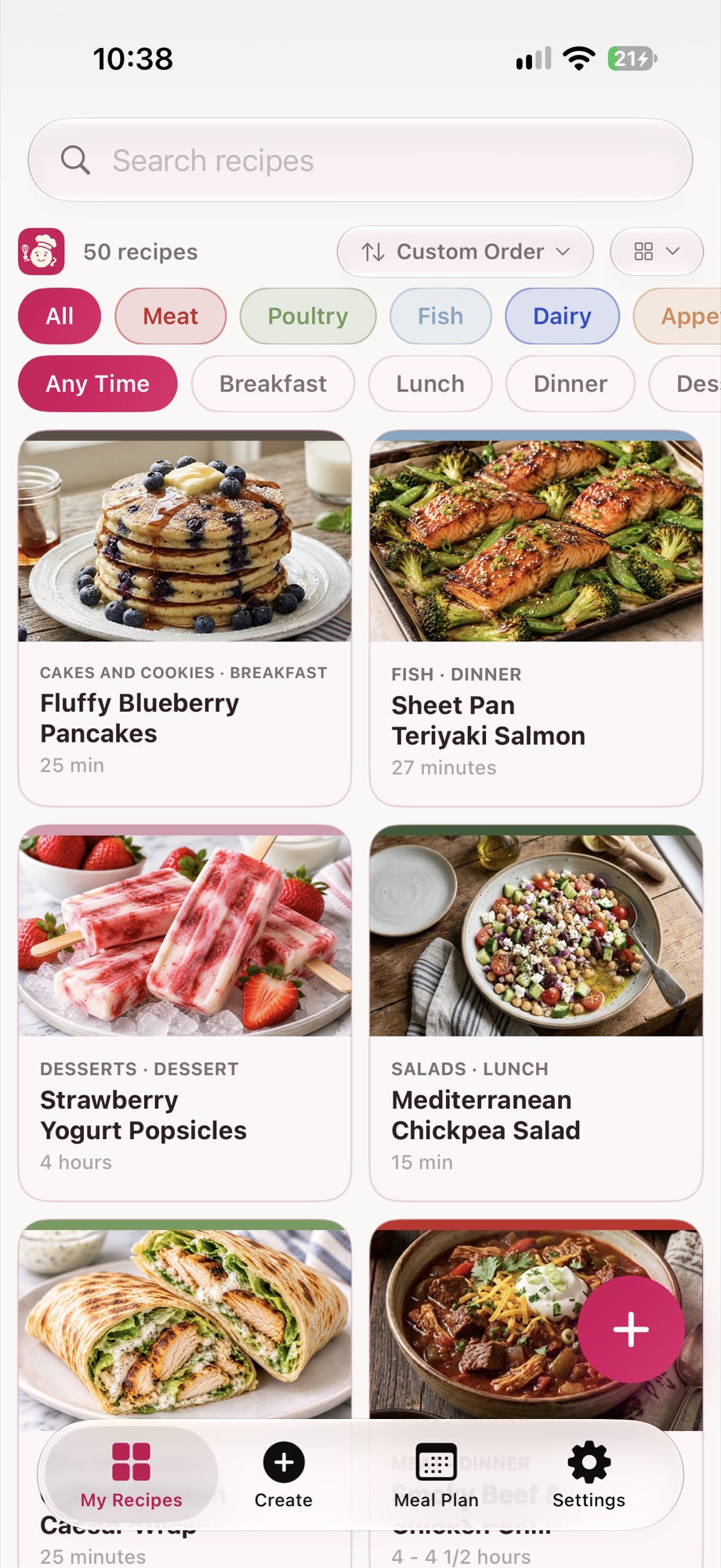
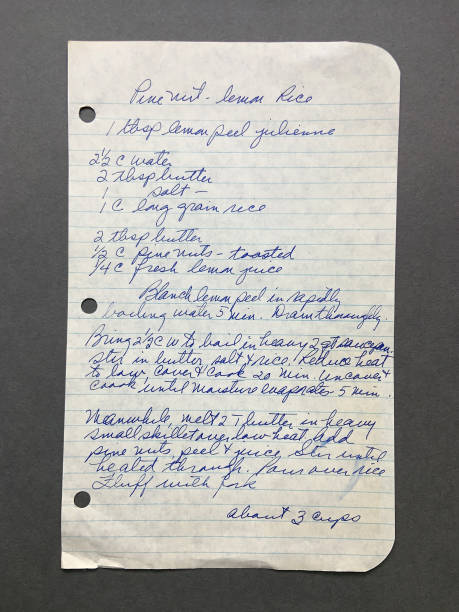
Found on Instagram. Saved from TikTok. Bookmarked on a website. Passed down on a handwritten card. Now they all live in Cooky.
Save
Share a post or page to Cooky, and it pulls out the ingredients and steps for you. You can also just paste the link.
Scan
Photograph a cookbook page or handwritten card, or pick a PDF. Cooky turns it into a recipe you can edit before saving.
Create
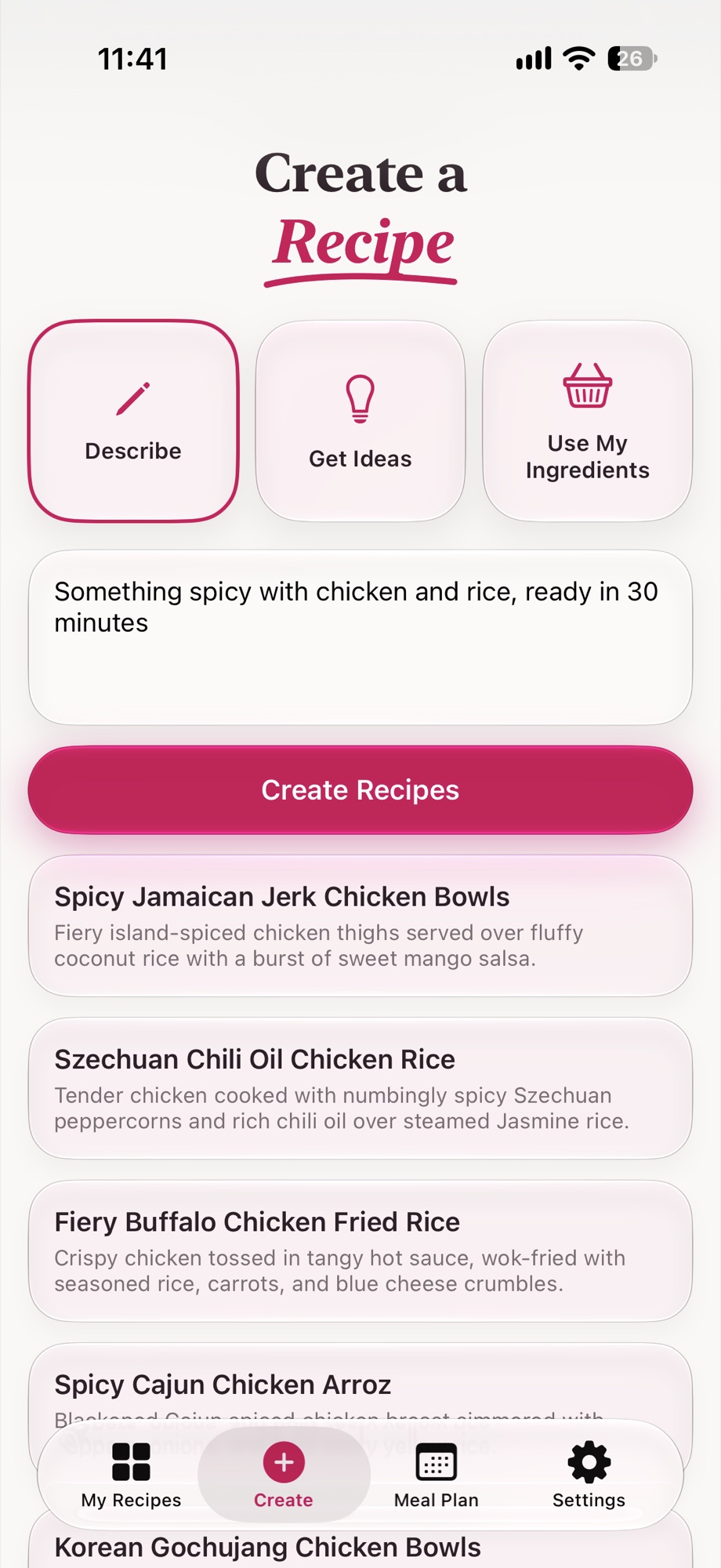
Describe what you're craving, or list what's in your kitchen. Cooky suggests ideas and writes the full recipe.
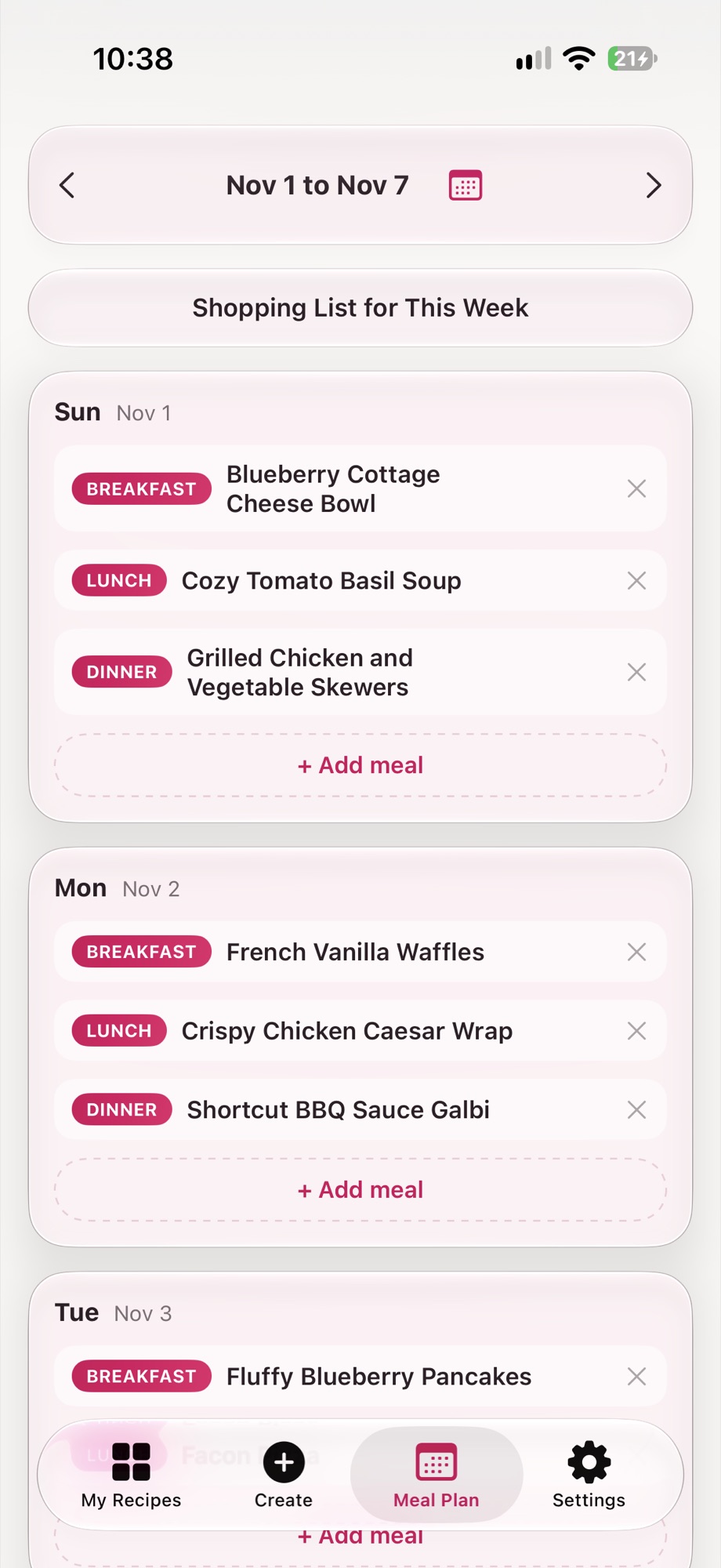
Plan
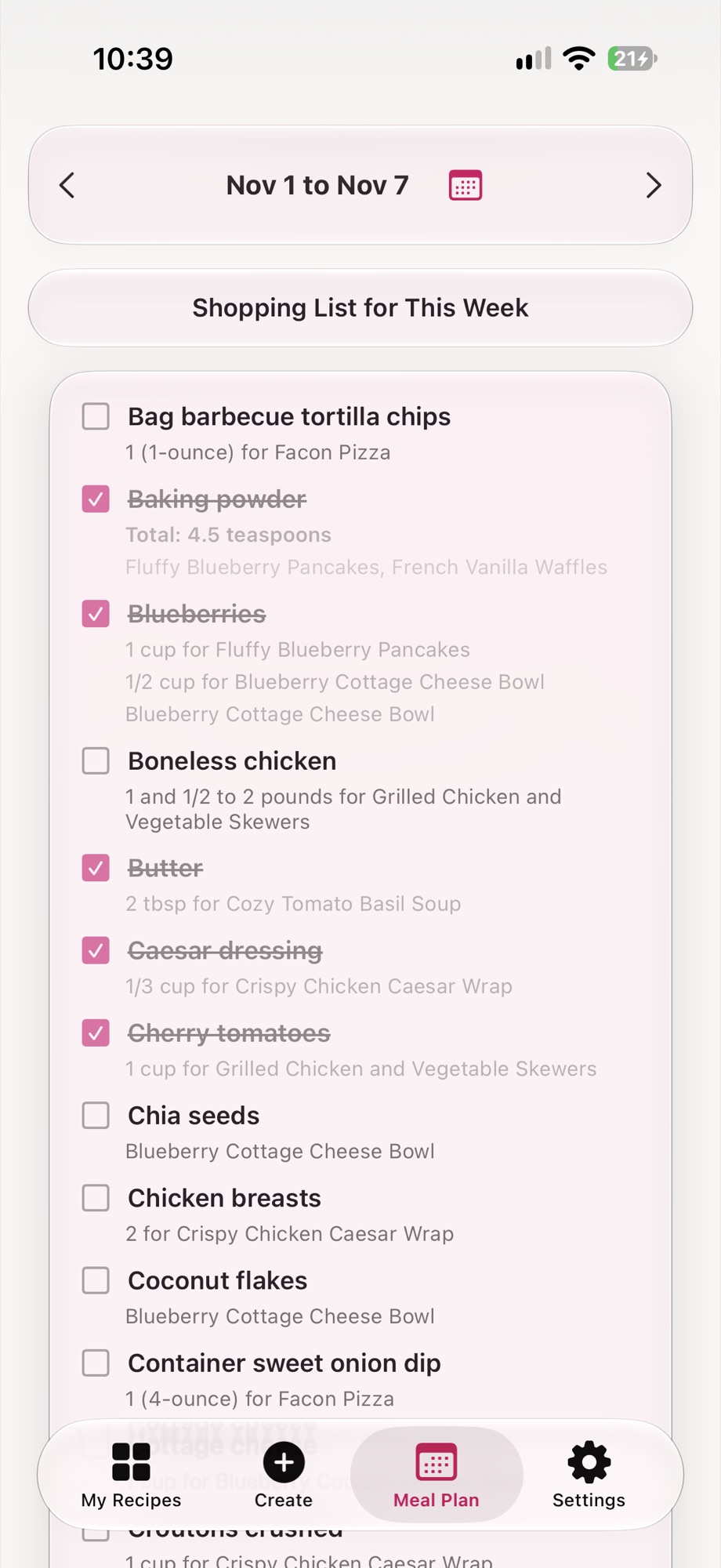
Add your recipes to a meal plan, and Cooky makes the shopping list for the week, with amounts added up for you.
Cook Mode
No more wiping flour off a dark screen to find your place. Cook Mode keeps your screen on while a recipe is open.

Scale
Change the servings, and the amounts follow.
Cookbook
Pick your best recipes and Cooky lays them out as a cookbook you can print.
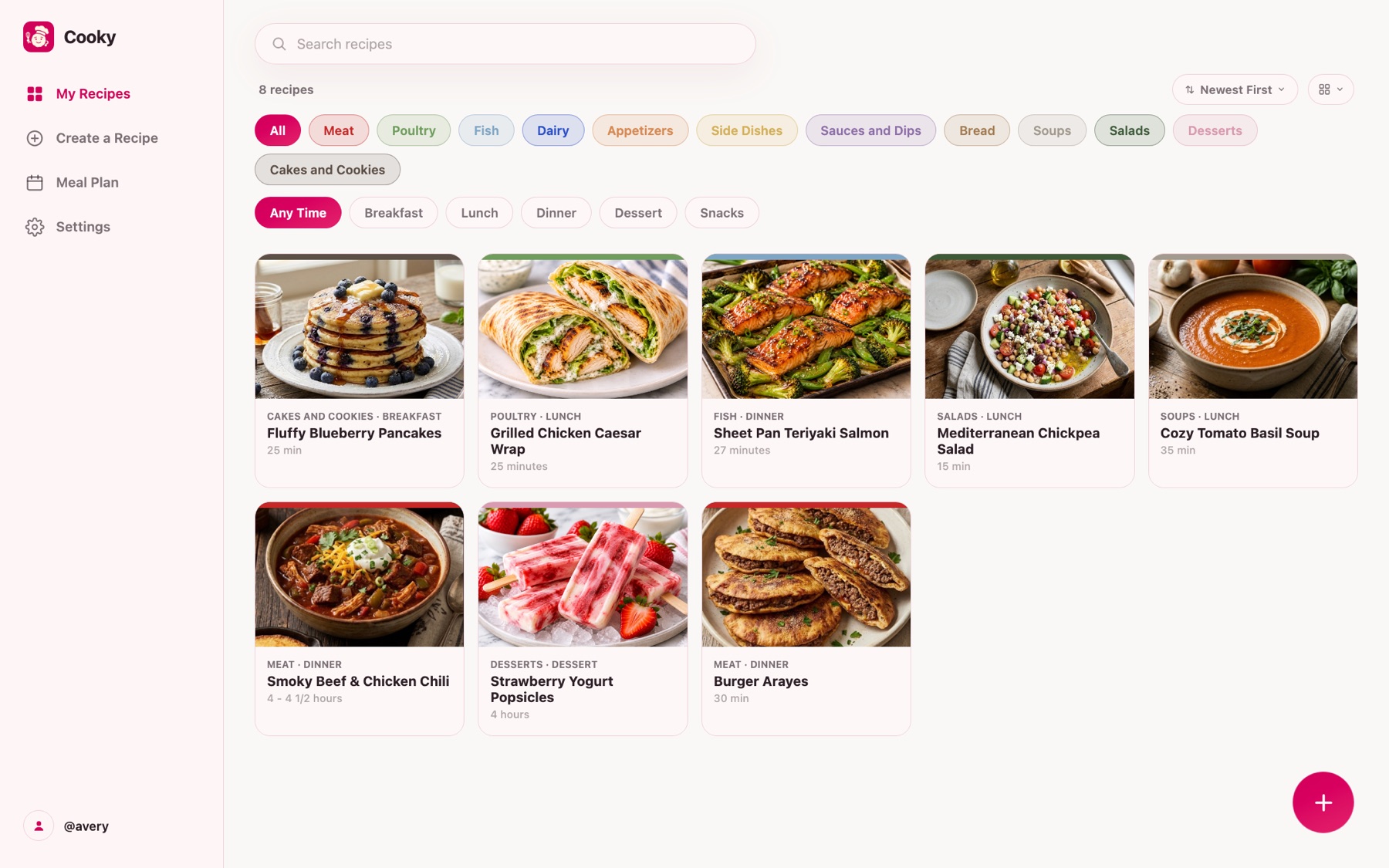
Subscribers can sign in on the web to see their recipes on a bigger screen.
Sign in to your recipesYes. The yearly plan comes with a 7-day free trial. You can cancel anytime in your Apple ID settings.
Yes, if you have a subscription. Start it in the iPhone app, then sign in here with the same account.
Not right now. Subscriptions start in the iPhone app and are managed by Apple.
Not yet. Cooky is made for iPhone for now.
On your iPhone, open Settings, tap your name, then Subscriptions, and choose Cooky.
Email support@thecookyapp.com and a real person will get back to you.